How to install Tesla CarPlay/Android Auto 2026: Clevisco Tutorial for All Models
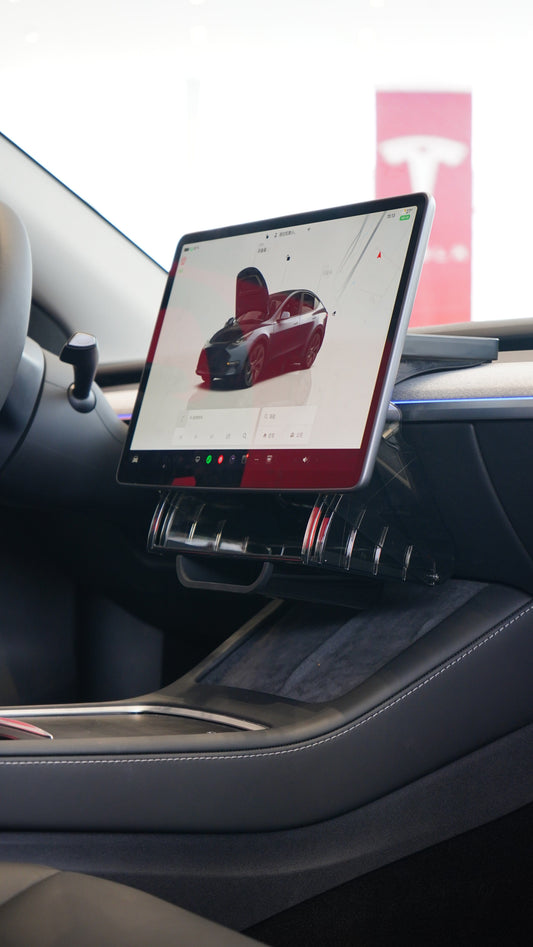
Transform your Tesla Model 3, Model Y, Model X, Model S (2017-2026), BYD, or ROX01 with wireless CarPlay and Android Auto using this simple installation guide.
What is the Clevisco CarPlay/Android Auto Device?
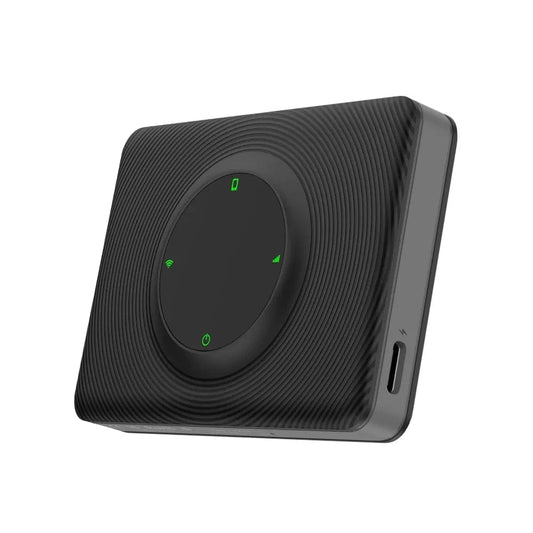
The Clevisco CarPlay/Android Auto adapter is a browser-based solution that brings Apple CarPlay and Android Auto to your Tesla screen. It works with any car that has an internet browser and WiFi, including:
- Tesla Model 3, Y, X & S (all 2017-2026 models)
- BYD vehicles
- ROX01
- Other browser-enabled cars
Why upgrade? Get instant access to the latest maps, AI assistants, and mobile app updates without waiting for manufacturer software releases.
What's included: USB-C and USB-A cables for compatibility with any car USB port.
Installation Guide
Disclaimer: Instructions are from the official Clevisco user manual included in the box (available in English and Arabic).
No software update is required during installation — your device comes pre-updated. If you ever need to update, see the "How to Update Software" section at the bottom.
Step-by-Step Installation:
1. Connect the device
- Plug the Clevisco adapter into any USB port in your car.
2. Enable mobile hotspot
- Turn on your phone's mobile hotspot.
- For Android: Enable Bluetooth tethering if available.
- For iPhone: Turn on Maximize Compatibility if available.
3. Connect your phone to Autokit via Bluetooth
- Go to your phone's Bluetooth settings and connect/pair to Autokit. Enable CarPlay/Android Auto when prompted.
4. Reconnect phone and car
- Connect your phone to Autokit via Bluetooth.
- Open your Tesla/BYD/ROX01 WiFi settings.
- Connect to the "Autokit" WiFi network.
- Password:
88888888 - Enable "Keep connected during drive" if available.
5. Launch CarPlay/Android Auto
- Open your car's internet browser.
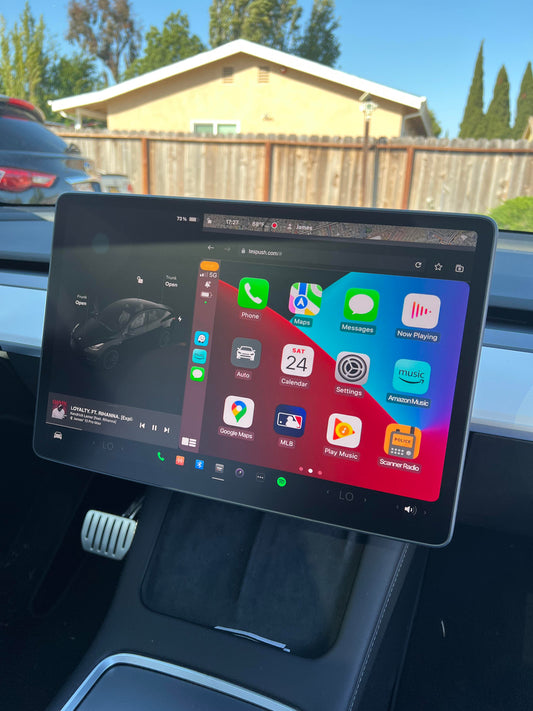
- Go to: Tespush.com
- or Tesla 2026 Summer Update Temporary link
- CarPlay/Android Auto now displays on your screen!
Customization Settings
Optimize your experience with these display adjustments:
Access Settings:
- Tap the "My Car" or "Auto" app in CarPlay/Android Auto.
- Select "Display".
Recommended Settings:
- Display Mode: Switch from pictures to videos (smoother performance).
- Frame Rate: Tap "FAST" for increased speed.
- Resolution: Choose HD/Auto or Fast for clarity.
Note: The device may restart after each setting change.
Benefits of Tesla, BYD, ROX01 CarPlay/Android Auto Adapter 2026
Adding CarPlay and Android Auto to your Tesla gives you:
✅ Latest Navigation: Real-time traffic updates and newest maps
✅ Voice Assistants: Siri and Google Assistant integration
✅ Streaming Apps: Spotify, Apple Music, podcasts, and more
✅ Messaging: Safe, hands-free texting
✅ Regular Updates: Automatic app improvements from your phone
Compatible Vehicles
This Tesla accessory works with:
- Tesla Model 3 (2017-2026)
- Tesla Model Y (2020-2026)
- Tesla Model X (2017-2026)
- Tesla Model S (2017-2026)
- BYD (2025-2026) internet browser model
- ROX01 (2025-2026) internet browser model
- Any car with WiFi and an internet browser
How to Update Software
Your device comes updated from Clevisco. If you need to update the software in the future, follow these steps:
- Connect your car to Autokit WiFi (password:
88888888). - Open your car's internet browser.
- Navigate to:
192.168.3.1 - Scroll down and click "Software Update".
- Wait up to 15 minutes – don't disconnect or close the browser.
- The software updates automatically using your hotspot.
Where to Buy
Get your Clevisco Wireless CarPlay/Android Auto adapter and upgrade your Tesla experience today.
Need help? Refer to the complete user manual (English and Arabic) or contact support at clevisco.ae/support.